Tax invoices and returns
Cash and credit invoices with gapless numbering, credit notes, the amount in words, and A4 printing on your letterhead.

Accounting for small and medium businesses in Jordan
Tax invoices, purchases and stock, customer and supplier balances, and complete financial reports. In Arabic and English, running on your own PC, offline.
Everything your business needs
Cash and credit invoices with gapless numbering, credit notes, the amount in words, and A4 printing on your letterhead.
Supplier bills and returns, weighted average or FIFO costing, and no selling stock you do not have.
Receipts and payments by cash, cheque or transfer, statements, aging, and a credit limit per customer.
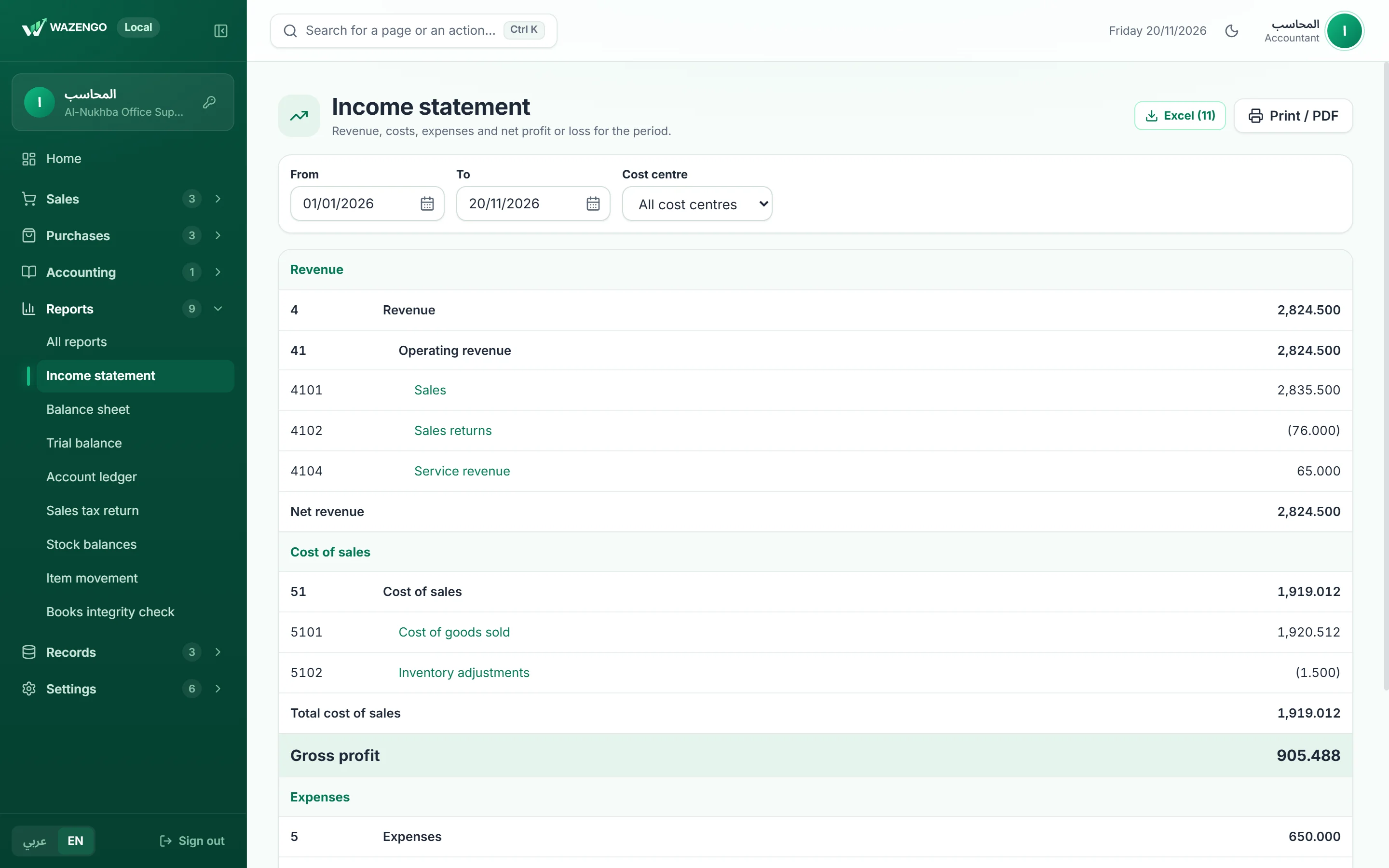
Income statement, balance sheet, trial balance, ledger, sales tax return, and Excel export.
No edits after posting, closed months, user roles, a log of every action, and a one-click books integrity check.
Run it on one main PC and work from the other office computers over the local network.
Home
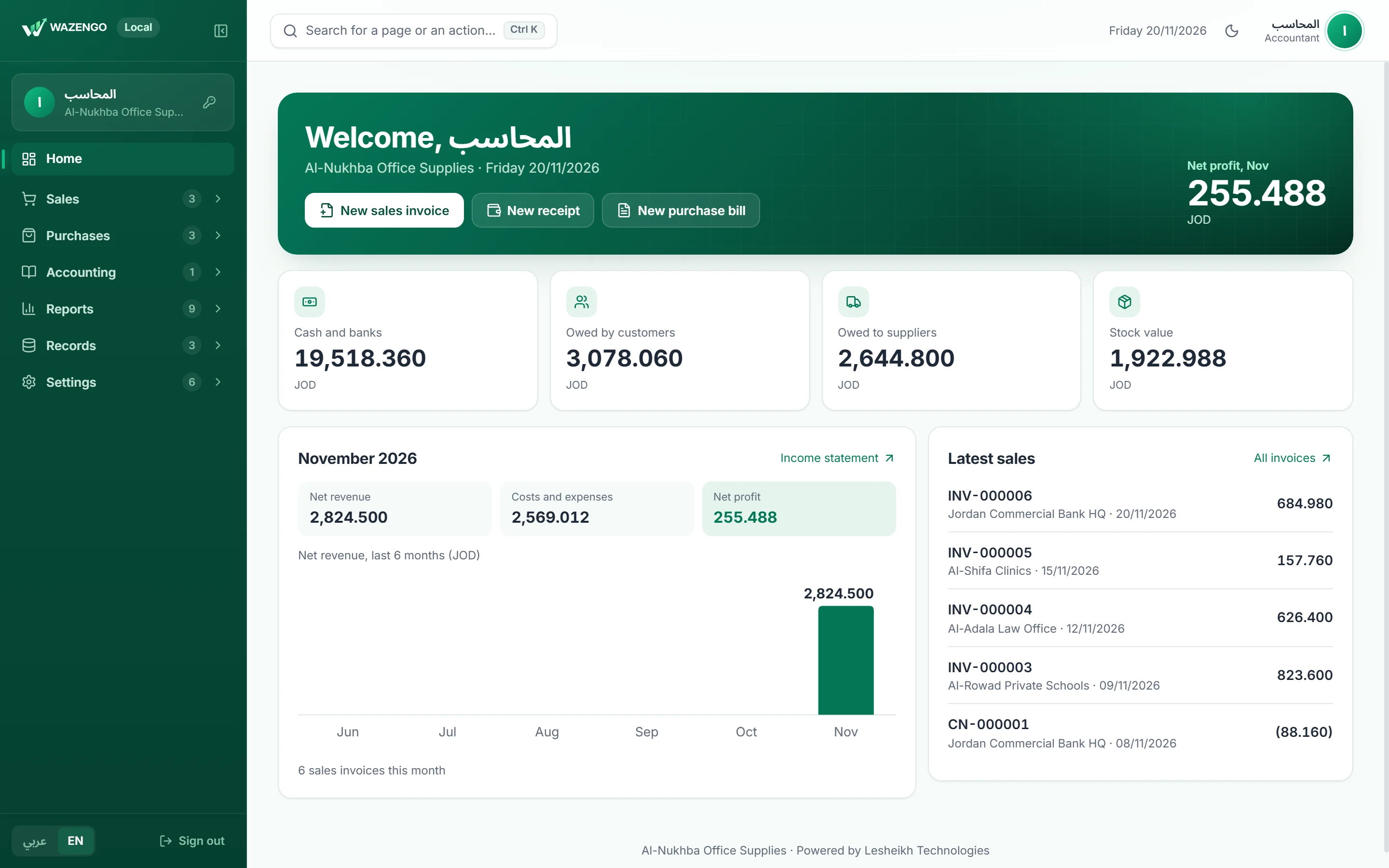
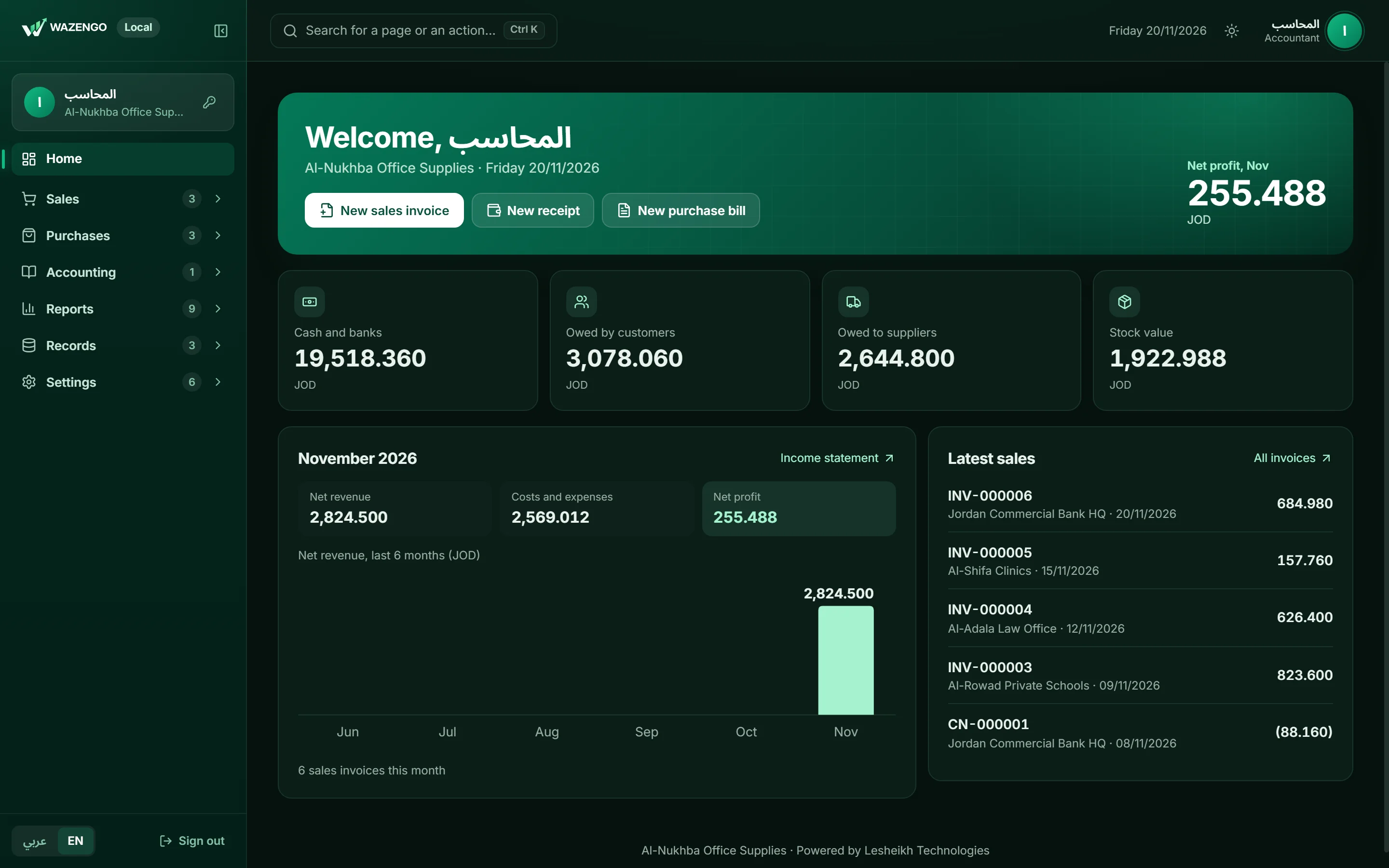
Cash and banks, what customers owe, what you owe suppliers, stock value and this month’s profit — all straight from the books, and every figure opens its report.
Invoices
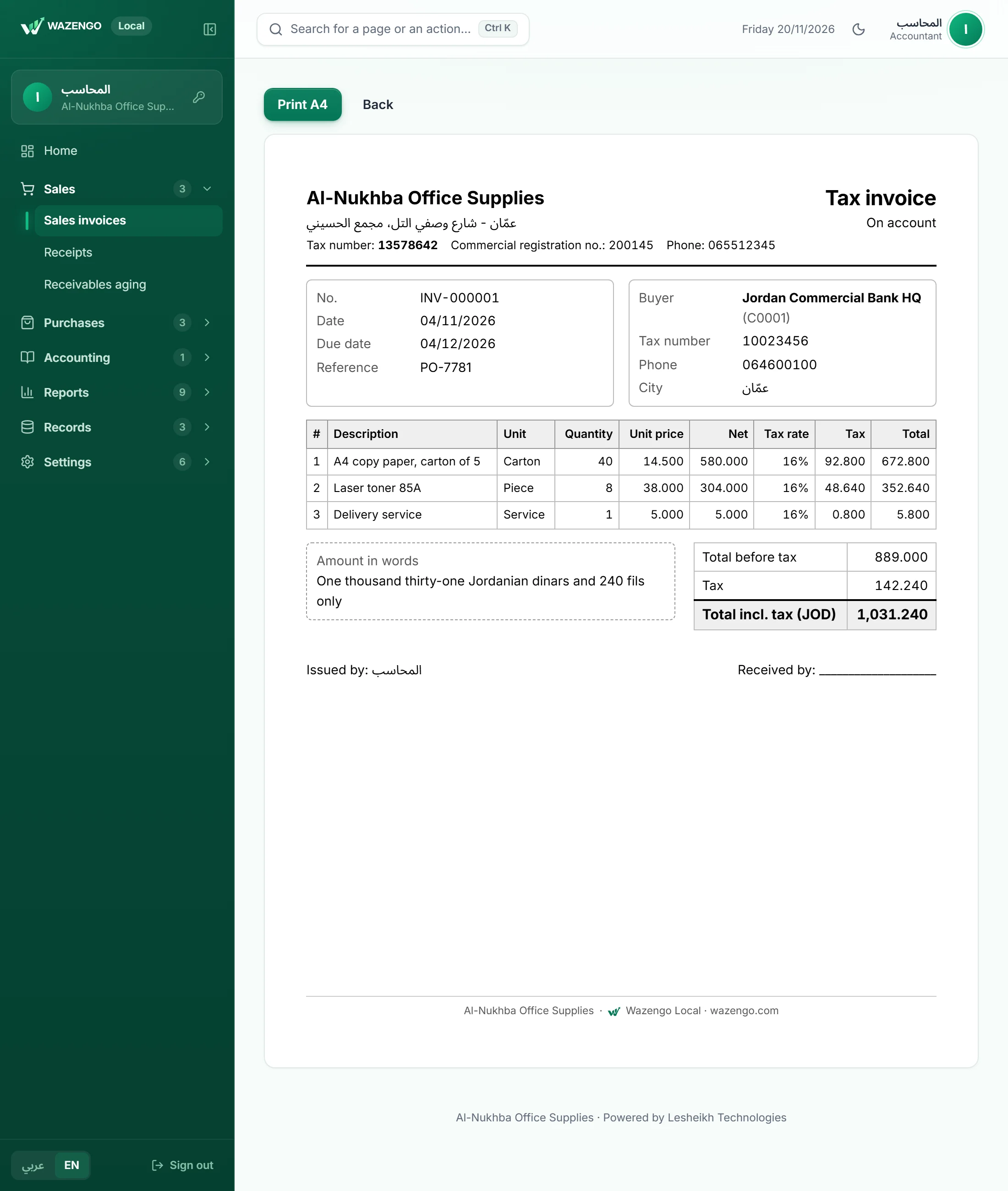
Seller and buyer with their tax numbers, net and tax on every line, and the total in words. Posted with a sequential number and never edited after.
Reports
The income statement and balance sheet come from the same entries, and the integrity check confirms receivables and stock match their accounts.
Security and privacy
Wazengo Local runs on your own computer. Your entries and invoices are never sent to a server, and your day’s work needs no internet.
A password-protected backup (AES-256) to keep on a USB stick, plus an automatic daily copy on the PC.
Administrator and accountant roles, with every action logged by who and when.
Every entry balances and nothing changes after posting; corrections are reversals or notes.
Up and running in a day
One setup file that needs no internet and starts with Windows.
A ready chart of accounts for trading companies; enter opening balances on one screen.
Issue invoices and vouchers; reports are ready whenever you need them.
No. Wazengo Local runs entirely on your PC. The internet is only needed to activate and renew your subscription.
Yes. The program runs on one main PC, and the other office computers open it in their browser over the local network.
On the opening balances screen: account and bank balances, what customers owe, what you owe suppliers, and stock quantities and costs, in one step.
Wazengo invoices are prepared for it, and direct JoFotara integration is in development and will reach subscribers as an update.
Your data is always yours. After the subscription ends the program keeps working for viewing, printing and backup, and returns in full as soon as you renew.
Take an encrypted backup in one click and keep it on a USB stick. The program reminds you if 7 days pass without one.
Request a free trial and we will send you the setup file and how to get started.